Common Extraction Challenges

Long documents cause silent extraction failures. LLMs degrade when retrieving information from the middle of long documents even when the full text fits in the context window.

Complex document structure gets lost or flattened. Multi-page tables, deeply nested line items, and cross-section dependencies don't survive most extraction pipelines intact.

Document variation breaks schemas designed for one source. A schema built for one source silently returns nulls on the next, forcing teams to build and maintain parallel, source-specific pipelines.

Extracted values can't be traced back to their source. LLMs return structured output but no pointer to where in the document each value came from.
Not all document extractors are created equal.
LLM prompting works for simple cases, but production pipelines break on long files, deeply nested schemas, tables that span pages, and fields that look different across every vendor. ADE Extract is built for that reality — handling the full complexity of enterprise documents without manual splitting, brittle templates, or silent failures.
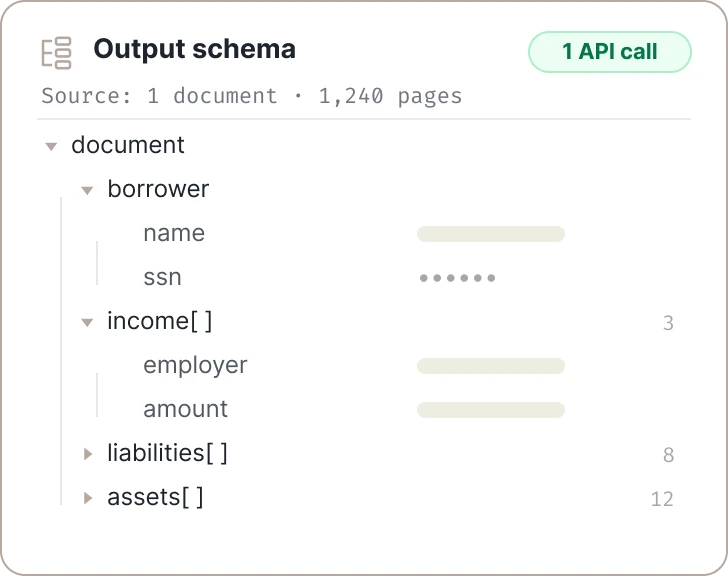
Long Documents and Infinite Schemas
No length limit on inputs and outputs for a single API call means no manual stitching or data loss.
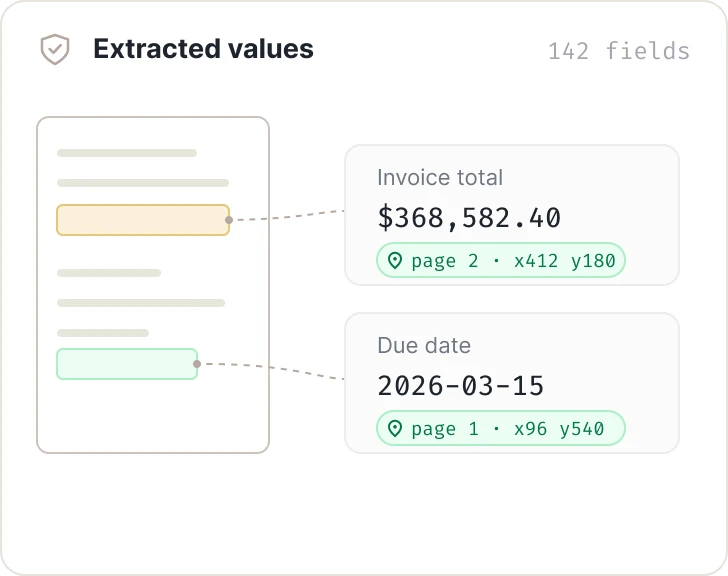
Auditable by Design
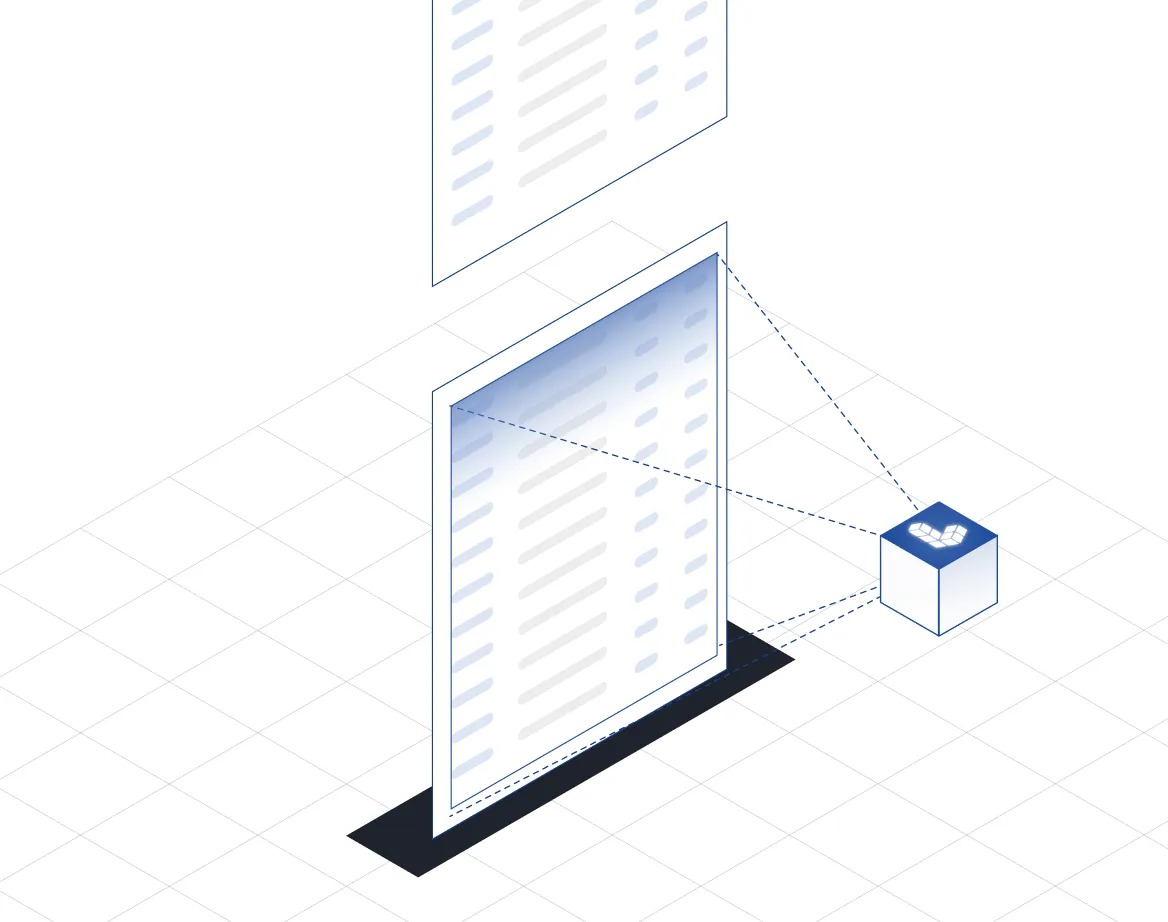
Full traceability so you can verify outputs with every extracted value linked back to its source location.
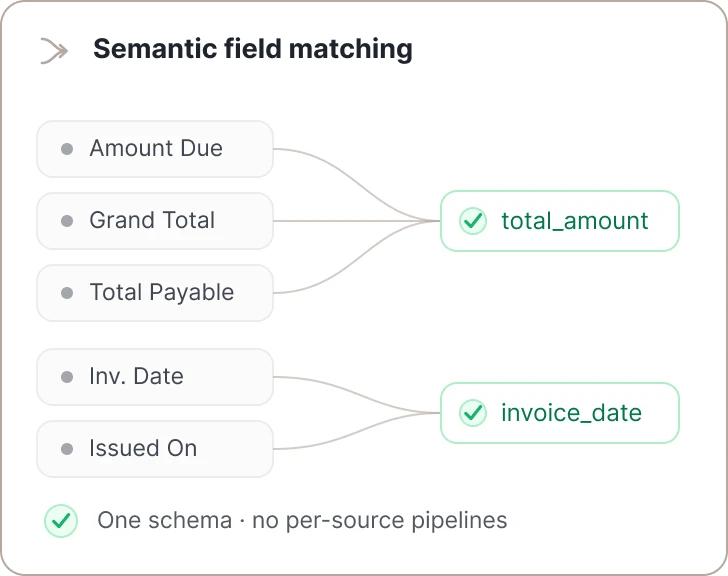
Scales to Production
No per-source pipelines. One schema handles naming variations through semantic field matching.
What you get
- Schema-driven structured output
- Agentic system that plans and executes
- Developer friendly APIs
- Clean, nested JSON responses
- Multi-page table reconstruction
- User-defined formatting
- Unlimited schema size
- Long-document extraction
- Creation of JSON objects
- Creation of JSON arrays
- Support for enum fields
- Support for boolean fields
- Semantic field matching
- Every value traceable to its origin
- Works across languages
- Fully managed SaaS or VPC
Built for complex, real-world documents.
Use Extract to retrieve one or hundreds of key value pairs. Optionally overlay the exact location on the original document.
Read the Docs for Extract →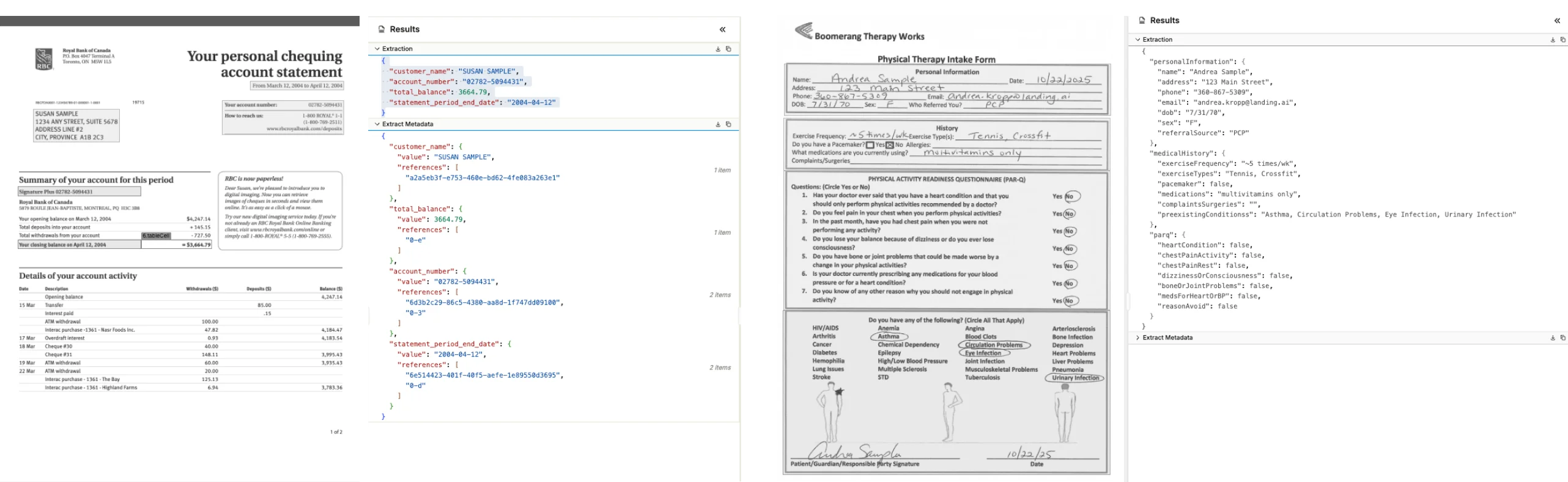
Prototype in the UI. Scale with the API.
Use the Agentic Document Extraction Visual Playground for rapid prototyping and experimentation. Then transition seamlessly to the REST API, Python library, or TypeScript library for your production workloads.
Provide our Agent Skills directly to agentic coding assistants to accelerate your development.
curl -X POST 'https://api.ade.landing.ai/v2/extract' \
  -H 'Authorization: Bearer YOUR_API_KEY' \
  -F 'schema={"type": "object", "properties":
        {"field1": {"type": "string"}, "field2": {"type": "string"}}
        }' \
  -F 'markdown=@markdown.md' \
-F 'model=extract-latest'from landingai_ade import LandingAIADE
client = LandingAIADE()
schema_dict = {
"type": "object",
"properties": {"employee_name": {"type": "string"}},
}
schema_json = json.dumps(schema_dict)
extract_response = client.extract(
schema=schema_json,
markdown=parse_response.markdown,
model="extract-latest",
)


Frequently asked questions
Three reasons. First, LLMs degrade in the middle of long documents even when the full text fits in the context window. Second, raw LLM output gives you a value but no pointer back to where in the document it came from meaning you can't verify or audit it. Third, prompt-based extraction has no schema enforcement, so output structure drifts across calls. Extract solves all three.
The accepted file type for Extract is always Markdown for the content plus JSON for the schema; it does not accept PDFs, images, or other document types directly.
Yes, Extract can handle documents from multiple vendors with different layouts, as long as your extraction schema is designed to accommodate those variations. You must ensure your schema and prompts are robust enough to extract the needed fields across different formats. This is described in the documentation.
Use the Build Schema API for this purpose. Automated schema generation is its primary purpose. Extract does not generate schemas automatically.
Yes, you can test extraction schemas using the ADE Playground. The Playground lets you interactively build and test schemas on your documents before deploying them in production.
yes. The Extract API now supports documents of 1,000 or more pages without splitting or merging files first. For very long or complex extractions, use the asynchronous Extract Jobs API.
Yes. You can define nested objects and arrays in your extraction schema to match your document's structure.
Each extracted value is linked to the source document via a citation. The citations include the exact span of characters and the location on the page.